

A practical guide for rental owners in India: photograph the actual item, explain condition and accessories, and keep listing descriptions clear and accurate.
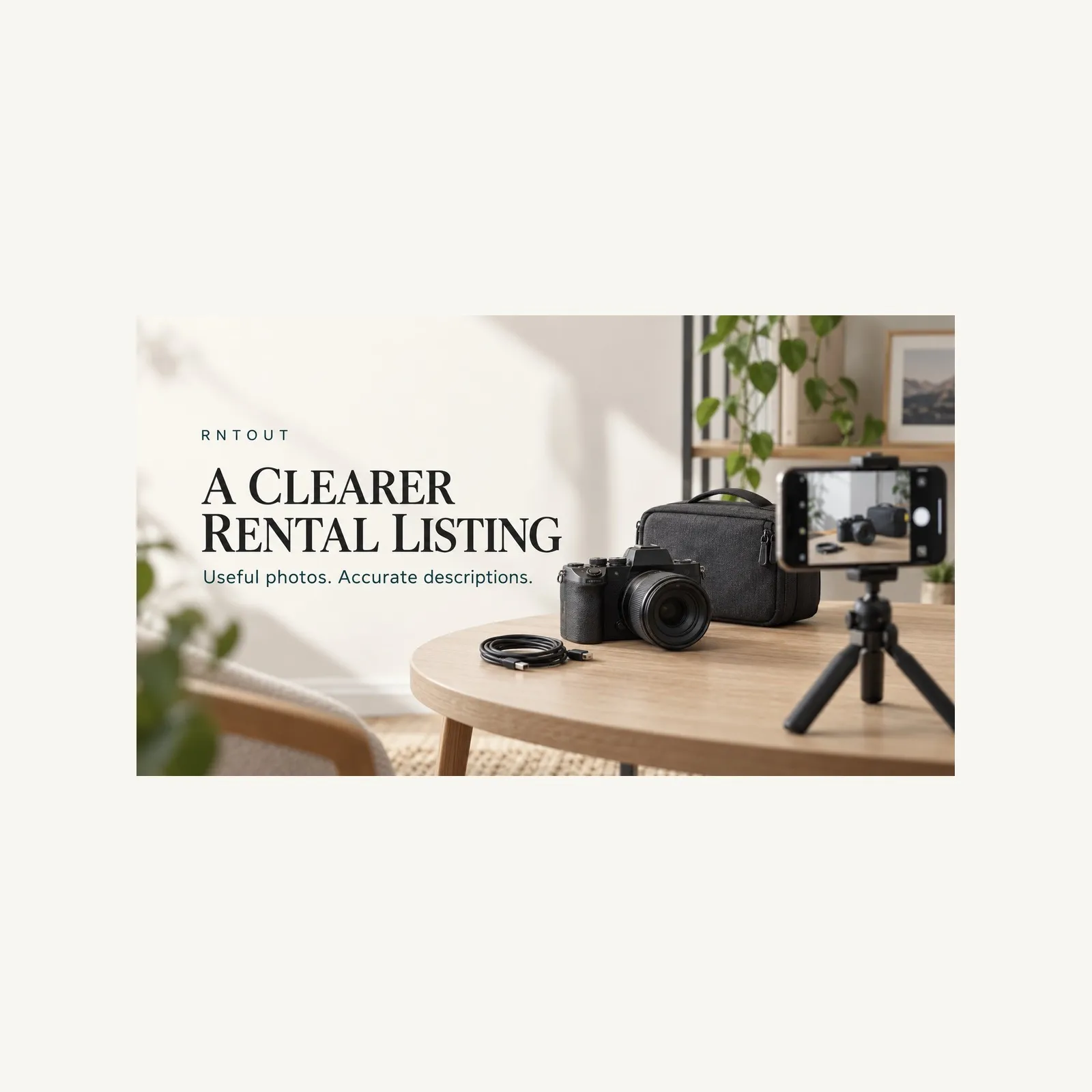
A clear rental listing answers the questions a person would otherwise have to send you one by one. What exactly is the item? What condition is it in? Which accessories come with it? Will its size and requirements fit the planned use? Owners across India can make that conversation easier with a small set of useful photographs and a description that agrees with them.
This guide is about preparing listing information, not a promise of bookings or earnings. RNTOUT is a rental marketplace connecting people who have products with people who need temporary access. The platform's launch message is simple: "You Have It. Someone Needs It. Rent It. Earn From It!" A precise listing helps explain what the "it" actually includes before either side starts discussing a rental.
Write a short reference note for the item. Include its brand and model where applicable, the version or size, the condition you can verify and the accessories you intend to include. Use the product itself and any relevant manufacturer information rather than copying specifications from a similar-looking listing.
Keep confirmed facts separate from details you still need to check. If you do not know a component's capacity or compatibility, do not fill the gap with a guess. Confirm it first or explain that the detail needs checking before a booking. A confident but incorrect specification can create a problem even when the photograph looks attractive.
This preparation is different from a handover record. A listing helps a prospective renter decide whether to enquire. A handover record documents what actually changes hands for a particular booking. The listing should be accurate, but it does not replace the later condition check and agreement.
The first image should make the product recognisable. Show the actual item you intend to offer, with enough space around it that important edges are not cut off. A neutral background and even light are useful because they let the viewer see the product rather than a busy room.
Do not make the first picture carry every message. Tiny labels, multiple products, decorative graphics and a long promotional heading can make a small listing thumbnail harder to understand. A clear view of the actual item is a better starting point than a collage that leaves the viewer unsure which object is available.
If you offer several similar units, make clear whether the photograph shows the specific unit or a representative example. Do not let one photograph imply that every unit has an identical finish or condition if that has not been checked. Confirm the actual unit and its details before a booking.
After the main view, add photographs that provide new information. Another angle can show depth, the reverse side or a connection panel. A close view can show a control, a fastening or a material finish. The aim is not a large gallery for its own sake. Each image should answer a question the previous one did not.
For furniture, a full view and useful angles can help explain its shape and condition. For electronics, relevant connections and the product label may help clarify the model, provided private identifiers are protected. For event equipment, show the actual components included in the proposed set. These are examples of listing information, not claims that a particular product is currently available on RNTOUT.
Keep the sequence consistent. A photograph of a different model or an accessory you do not intend to supply can contradict an otherwise careful description. If an image is included only to explain a feature or optional component, label that distinction clearly rather than leaving the renter to infer it.
Photograph visible wear in context and, where useful, in a closer view. A close photograph alone may not show where the mark is. A distant photograph alone may make it difficult to see. Together, they can explain the location and appearance more clearly.
Describe what you can observe: a mark on a surface, a worn edge, a missing trim piece or another relevant condition detail. Do not dismiss something as "only cosmetic" if you have not checked whether it affects use. Similarly, do not describe an item as new or unused unless that is accurate.
Editing should not remove damage, change the apparent finish or create an inaccurate impression of condition. Adjusting an image for basic visibility is different from hiding a defect. Keep the original photographs so you can refer to them if a question arises while preparing the listing.
Lay out the included components and photograph them clearly. Then write an accessory list that agrees with the image. This is useful for items whose function depends on cables, chargers, remotes, adapters, cases or other parts.
Distinguish an included component from an optional extra and from something the renter must arrange. Do not rely on a picture of a complete setup if only part of that setup is being offered. A screen, table or stand visible in the background should not accidentally become an implied inclusion.
Where an accessory's exact model matters, verify it. Two connectors can look similar without serving the same purpose. If you cannot establish compatibility, ask for clarification rather than calling a set universal. The listing should make a useful enquiry possible, not replace every technical check.
A practical title starts with the product type, followed by a verified distinguishing detail such as model, size or configuration. Use the terms a renter needs to recognise the item. Keep the description of its condition and inclusions in the appropriate fields rather than packing everything into the title.
Avoid claims such as "guaranteed bookings", "best in India" or "perfect for every event". They do not tell the reader what the product is and may imply evidence you do not have. Do not use an attractive brand or model name merely to attract attention if the actual item is different.
For example, a verified projector model plus its included carrying case is more informative than a general promise of a cinema experience. The example is a writing pattern, not an RNTOUT listing or an assurance that a projector will meet a particular room's needs.
Begin with a plain explanation of the item being offered. Follow with the checked specifications relevant to its use, its present condition, included accessories and any limitations a prospective renter needs to understand. Separate those facts from booking arrangements that still require agreement.
Use short sections or clearly separated paragraphs. A reader should be able to find the model and inclusions without searching through a long sales story. Avoid repeating the title several times to fill space. Where the platform provides dedicated fields, keep their values consistent with the main description.
Read every sentence against the photographs. If the description says a case is included, the accessory record should support that. If an image shows a mark, the condition wording should not describe an unmarked item. When the two disagree, correct the underlying information before publishing.
Some products need more than an attractive full view. Dimensions may matter for placement or transport. A power supply, compatible input or other requirement may matter for intended use. Record the relevant facts carefully and make the unit clear.
Do not infer a technical or safety specification from appearance. For products requiring specialist knowledge, qualified advice or manufacturer instructions may be necessary. A rental description is not a substitute for training, authorisation or a safety assessment. Do not claim that a product suits a medical purpose, a vehicle use or a technical setup merely because someone else used a similar item that way.
If a renter asks whether the item will work with their equipment, establish the exact models and requirements before answering. A useful response can be that a compatibility check is still needed. It is better than an unsupported yes that creates a failed booking.
Review photographs for addresses, documents, faces of people who have not agreed to appear, computer screens and other private information. Product photographs taken at home or in an office can capture more than the item itself.
For connected devices, do not show account credentials, access codes or personal files. If an identifying label is useful, consider which information is necessary for the public listing and which should be handled through an appropriate booking process. Do not publish identity documents to make a listing look more trustworthy.
Also check whether you have permission to photograph and offer the item. A product belonging to an employer, another household member or a business partner should not be treated as yours to rent merely because it is in your possession. Resolve ownership or permission before preparing the offer.
Review the listing as one record: title, category, model, photographs, specifications, condition and accessories. Confirm that they refer to the same offer. Remove stock images or old photographs that could suggest a different unit, condition or inclusion.
Then check the booking information separately. Do not insert assumed RNTOUT fees, deposit rules, protection, delivery coverage or refund promises into a product description. Confirm the applicable current arrangements through the platform and the relevant booking. An India-wide marketplace framing does not establish availability of every item in every location.
For the later delivery stage, use the separate rental handover checklist . For a renter's cost comparison, see the full-cost-before-booking guide . This article concerns the earlier task: making the listing itself clear enough for a useful enquiry.
The actual item gives a prospective renter a clearer view of what is being offered. Do not use an image of another model or condition in a way that suggests it is the offered product.
Include relevant condition information in both photographs and words. Show where the wear is and avoid editing that hides it.
Use enough to explain the item, relevant angles, condition and inclusions without repetition. Follow the platform's current upload requirements rather than assuming a fixed number.
Make the distinction explicit. A renter should not have to guess which visible components are included and which require a separate arrangement.
No. Clear information can support an enquiry, but bookings and earnings depend on circumstances. Do not treat listing quality as an income promise.
Use RNTOUT's current website or its listed app channels and confirm the requirements for your product. Check availability and terms for the actual location and rental rather than assuming them.
RNTOUT is India's rental marketplace for everything: rent what you need, earn from what you own. See how it works and how to start.
Compare product rentals across India by the full cost, usable rental period and return terms. Use a renter-side checklist before deciding to rent or buy.
A practical rental handover checklist for India: match the delivered item, record its condition, count accessories and keep a clear return record.
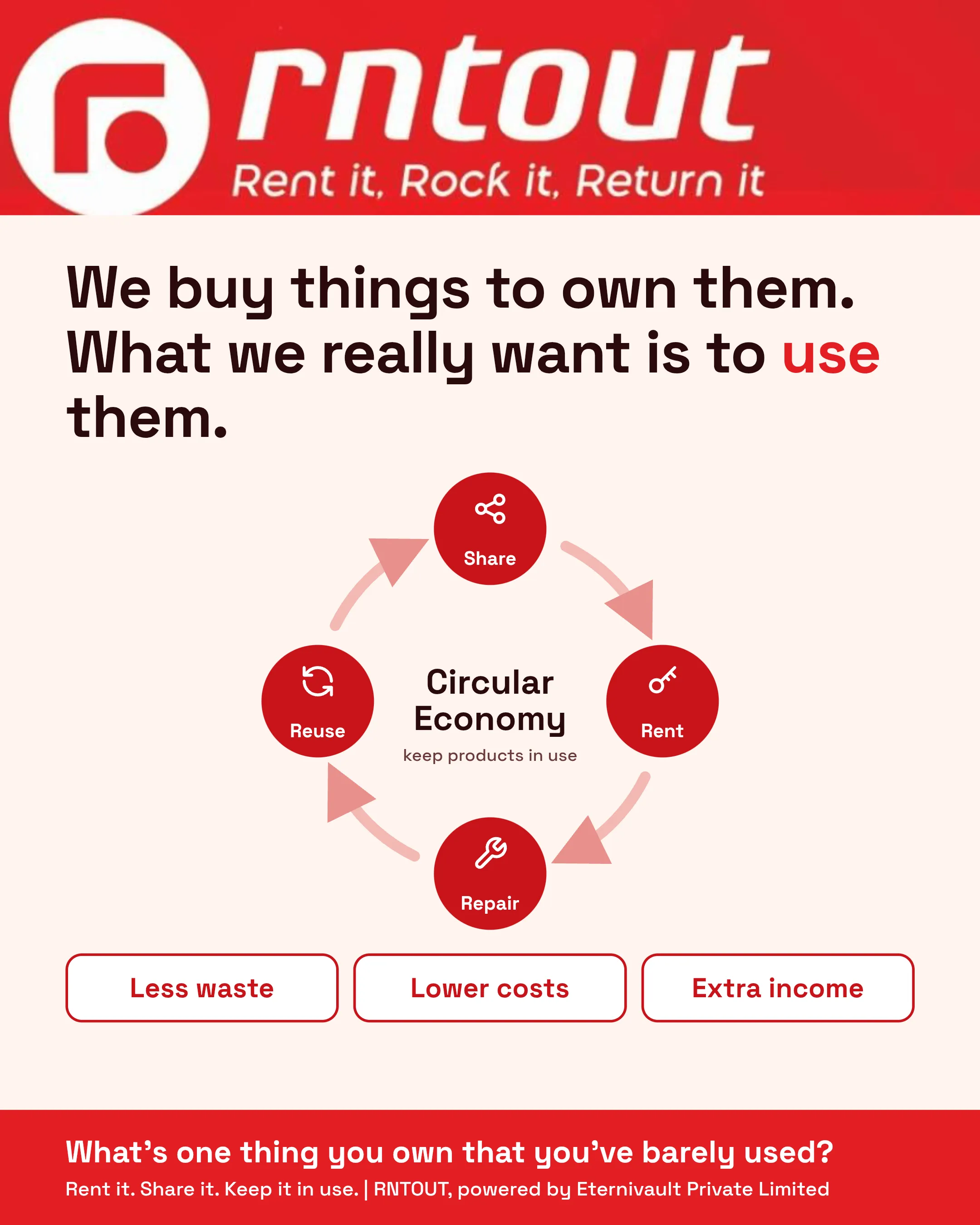
Most of what we own sits idle for months. The circular economy offers a smarter way: share, rent, repair and reuse so products stay in use for longer. Learn how this idea can cut waste, lower costs and create extra income, and what you can do today to get started.
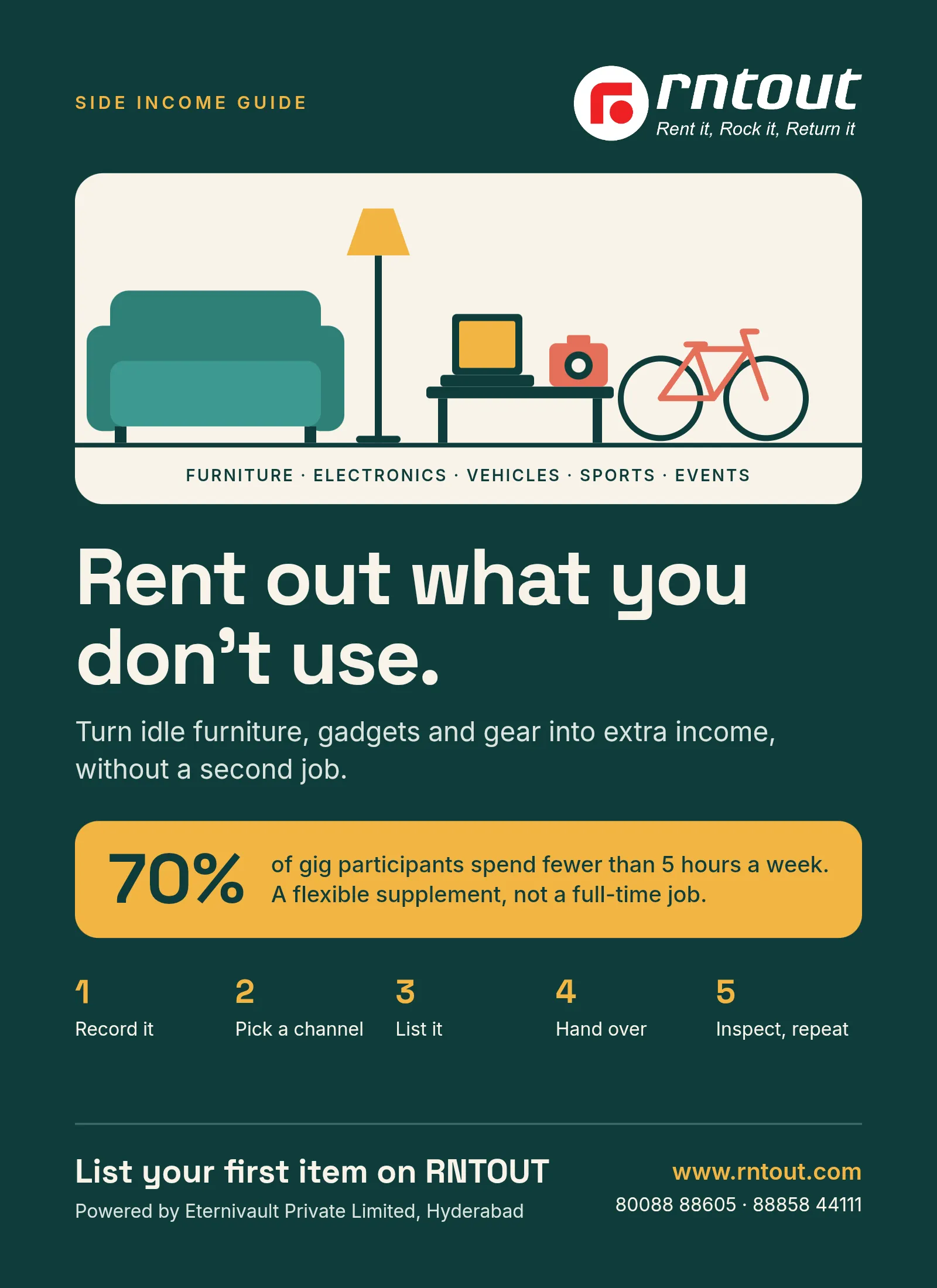
Learn how to rent out unused products and earn extra income. Get realistic returns, a step-by-step plan, listing tips, and safety advice for owners.
Never miss out on a deal or an update.


