

A practical rental handover checklist for India: match the delivered item, record its condition, count accessories and keep a clear return record.

The booking says the right product, the delivery arrives on time, and the rental period has begun. Then you discover that the charger is missing, the table will not stand steadily, or a mark on the side was never recorded. These are different problems, but they share a useful prevention step: a clear handover.
A rental handover is the point at which the booking becomes a specific item in your care. It should connect the item, its condition, its accessories and the practical next steps in one record. For renters anywhere in India, the goal is simple: understand what you received before you put it into use, and make the return easier to check later.
This is a practical inspection guide, not a replacement for the terms attached to a particular rental. RNTOUT presents a multi-category marketplace. Actual products, availability, delivery arrangements and applicable conditions must be checked for your booking and location. Do not assume that a check suitable for a chair is enough for electrical, specialist or medical equipment.
Have the item description and confirmed inclusions available when the product arrives. You should not need to reconstruct the agreement from memory while someone is waiting at the door. Keep the booking reference, item specification, quantities and the relevant contact route together.
The useful comparison is between the delivered item and what was confirmed. A general category name such as laptop, speaker or dining table is not always enough. If a particular model, dimension, capacity or accessory matters, make that requirement visible in the record you use for the handover.
Give yourself a practical place to inspect the delivery without blocking an entrance or creating a hazard. If installation or a demonstration was part of the confirmed arrangement, make sure you know how that step will happen. Do not assume the person transporting the item is also authorised or trained to install it.
Start with the basic match. Check that the delivered product is the one described in the booking, including an exact model where one was agreed. For a multi-item delivery, count the pieces before concentrating on the condition of a single product.
Record a serial number or identifying label where appropriate and accessible without dismantling anything. For furniture or event items without a useful serial number, a clear description and photographs can help distinguish the pieces. You do not need to publish these identifiers in a review or on social media.
If a substitute arrives, pause the assumption that similar means acceptable. Check it against the job the original item needed to do. A different connector, size or capacity can matter even when the replacement appears newer. Ask for the substitution and its implications to be clarified through the booking contact before proceeding as though nothing changed.
Look over the item in reasonable light. Note visible scratches, dents, stains, cracks, loose parts or other marks that matter to the condition record. Describe the location precisely enough that someone else could find the same area later.
An existing cosmetic mark and an unsafe or unusable product are not the same issue. A small surface scratch on a table may be a recording task. A loose leg that prevents safe use is a reason to stop and seek help. Do not let the pressure to finish the handover turn a functional concern into an informal promise to deal with it later.
Use neutral descriptions. A note identifying a crack on a specific panel is more useful than a statement that the item is terrible. Equally, describing an item as fine when it has not been checked makes the record less useful. Say what you observed and distinguish it from what you have not tested.
Make a small, clear set rather than dozens of almost identical pictures. Include an overall view showing the item, followed by closer photographs of relevant marks. The overall view provides context; the detail view shows what needs to be understood.
Keep the lighting and angle practical. A close-up with no indication of where it belongs can be hard to interpret later. If the item has several similar surfaces, capture enough surrounding detail to identify the side or component. A short video can support the record when it shows a particular issue clearly, but it is not automatically better than a focused photograph.
Protect people's privacy while documenting the product. Avoid including identity documents, payment details, neighbouring homes or unrelated people in the background. Keep the original files and the booking conversation together. A condition record supports a factual discussion; it does not by itself guarantee a particular refund or settle a disagreement.
Do not stop once the main product looks correct. Compare the accessories with the inclusions that were confirmed. A missing cable, remote, adapter, stand, detachable component or carrying case can prevent normal use even when the product itself is present.
Record quantities where there are several similar pieces. For an event delivery, a total count and a clear grouping can be easier to verify than a single crowded photograph. For electronics, check the identity and apparent suitability of supplied power accessories without substituting an unapproved charger to make the test work.
Put loose accessories in a consistent place after the inspection. The handover record becomes useful again at return, when small components are easy to overlook. If an accessory is missing, seek a clear response about the next step rather than silently borrowing one and losing track of what belonged to the rental.
A functional check should demonstrate the ordinary use you agreed to rent the item for, within the limits of your competence and the supplier's instructions. It is not permission to dismantle equipment, bypass a safety feature or try an improvised repair.
For a straightforward item, the check may be simple. A chair should stand as intended on an appropriate level surface; a storage unit should have the expected usable parts. Electrical products may require proper setup, an appropriate supply and instructions before a meaningful test is possible. If specialist installation is needed, wait for the authorised person rather than treating delivery as proof that the product is ready.
Record the limit of your check. Saying that a laptop powered on is different from saying every application works or that it will meet a particular workload. If the intended use depends on a function you cannot verify at handover, ask how and when it should be tested and how to report a problem discovered then.
For furniture, compare dimensions and configuration with the booking, inspect visible structural concerns and confirm that the intended parts are included. Do not force a large item through an unsuitable doorway or attempt an unsafe lift merely to complete the delivery quickly.
For IT equipment, confirm the device specification and supplied accessories, then use the agreed demonstration or setup process. Do not open someone else's accounts or files as a test. Ask for an appropriate clean setup if personal information from another user is visible.
For event and party items, count quantities, inspect obvious damage and clarify which setup tasks are included. A sealed package may still need a planned check before the event begins; agree how discrepancies should be reported rather than discovering the process during the event.
For medical or other specialist equipment, a general rental checklist is not a suitability or safety assessment. Confirm the required professional guidance, training and authorised setup before use. Do not use unfamiliar equipment simply because it has been delivered.
Bring the observations into one short record connected to the booking. Include the item identity, delivered quantity, accessories received, existing marks, checks performed and anything still unresolved. Keep the actual time and date of the handover with the record.
A useful summary can distinguish three states: received and checked, received but not yet tested, and missing or different from the confirmation. Those states prevent an incomplete check from looking like unconditional acceptance of every detail.
Ask the relevant contact to acknowledge the recorded discrepancy through the available booking or support channel. Do not describe silence as agreement. If you are asked to confirm delivery, read what that confirmation says and make sure unresolved points have been reported through the appropriate route. This guide does not determine the legal effect of a confirmation or replace the rental agreement.
If the item is different, incomplete or appears unsafe, explain the specific issue and ask for the next step. Keep the item and its accessories together while the matter is clarified. Do not attempt a repair, arrange an unapproved return or change the product in a way that makes its original condition harder to establish.
Ask whether use should pause and whether replacement, collection or another response is proposed. Keep any confirmed arrangement in writing, including how it affects the practical schedule. Do not assume that reporting a problem automatically extends the rental period or cancels a charge.
RNTOUT's website includes terms and a refund policy. Read the current applicable information and resolve unclear points for your booking. An inspection checklist cannot promise free cancellation, immediate replacement, a particular deposit outcome or a refund timeline for an individual case.
After handover, retain the condition notes instead of treating them as delivery-day paperwork. Follow the product's instructions and the agreed use conditions. Keep removable components together and avoid mixing rental accessories with similar items you own.
If a fault or other problem appears later, record what you observed and contact the appropriate support route promptly. Describe when it was noticed and what ordinary action preceded it, without inventing a technical diagnosis. Stop using an item that appears unsafe and seek suitable guidance.
Do not authorise yourself to repair, modify, lend onward or substitute parts because it seems convenient. Check the arrangement first. A practical record of what happened is more useful than a later attempt to remember the sequence after several conversations.
Before the agreed return, compare the item with the handover record and count the accessories again. Remove your personal belongings. For a device on which you used accounts or stored files, follow an appropriate authorised sign-out and data-removal process; do not share passwords or leave account access for the next user.
Follow the agreed cleaning and packing instructions rather than applying an unfamiliar chemical or dismantling a product to make it look new. Record the visible return condition clearly and identify any issue you already reported during use.
Confirm the collection or drop-off arrangement and who will receive the item. Keep the receipt or available acknowledgement of the return and note anything left open for later inspection. A handover to a courier and the completion of a product inspection may be separate events. Do not treat one as proof of the other unless the booking process explicitly confirms it.
Imagine that a renter receives the laptop model confirmed for a short project. The casing matches the description, the serial number is recorded and the device powers on. However, the agreed external adapter is absent and an existing mark is visible near a hinge.
The useful response is not a blanket statement that the whole delivery is wrong. Record that the device identity matches, list the charger actually received, identify the missing adapter and photograph the hinge mark with an overall view for context. State exactly what was tested and what remains unverified.
Ask the booking contact how the missing item will be handled and whether the proposed arrangement still meets the project need. Keep the response with the original record. At return, use the same list to show which components were received and which were later supplied. This makes the conversation specific without pretending that evidence automatically determines the commercial outcome.
No. It is practical guidance for checking a rental handover. The current listing, booking confirmation, applicable terms and instructions determine the arrangement for your item. Confirm anything unclear through the relevant support route before assuming a particular remedy or entitlement.
Focus on a clear overall record and the marks that could matter when the item's condition is compared later. Use context and detail together. More files are not automatically better if they fail to show which item or surface is being documented.
Record that it was received but not fully tested. Ask when the necessary setup or demonstration will occur and how to report a problem found then. Do not claim to have checked a function you have not checked, and do not attempt unsafe setup to finish the handover.
Not automatically. Report what is missing and ask how it will be addressed. An improvised substitute may be unsuitable or make the original accessory record confusing. Confirm any proposed alternative before relying on it, especially for power accessories and specialist equipment.
No. They provide a record that can support a discussion, but the applicable terms, inspection and facts of the rental still matter. Keep the booking record, correspondence and return acknowledgement together, and ask for clarification of any unresolved deduction or other issue.
The core habits of matching the item, recording condition and checking inclusions can be useful across locations and categories. They do not establish local availability, delivery coverage or identical rules for every product. Confirm those details for your address and booking.
Explore the current categories on
RNTOUT
, then confirm the specific item and practical arrangements for your location. Keep the
terms and conditions
and
refund policy
with the information relevant to your booking.
The handover should leave both the product and the next steps understandable. Know what arrived, what was checked, what remains open and how the return will be recorded. That is more useful than a hurried confirmation and a collection of assumptions.

RNTOUT is India's rental marketplace for everything: rent what you need, earn from what you own. See how it works and how to start.

Compare product rentals across India by the full cost, usable rental period and return terms. Use a renter-side checklist before deciding to rent or buy.
Learn how to rent out unused products and earn extra income. Get realistic returns, a step-by-step plan, listing tips, and safety advice for owners.

The Punchline Rent it. Use it. Return it. Repeat. When you rent, you’re not just saving money — you’re saving the planet. It’s a win for your wallet, a win for your lifestyle, and a win for the world
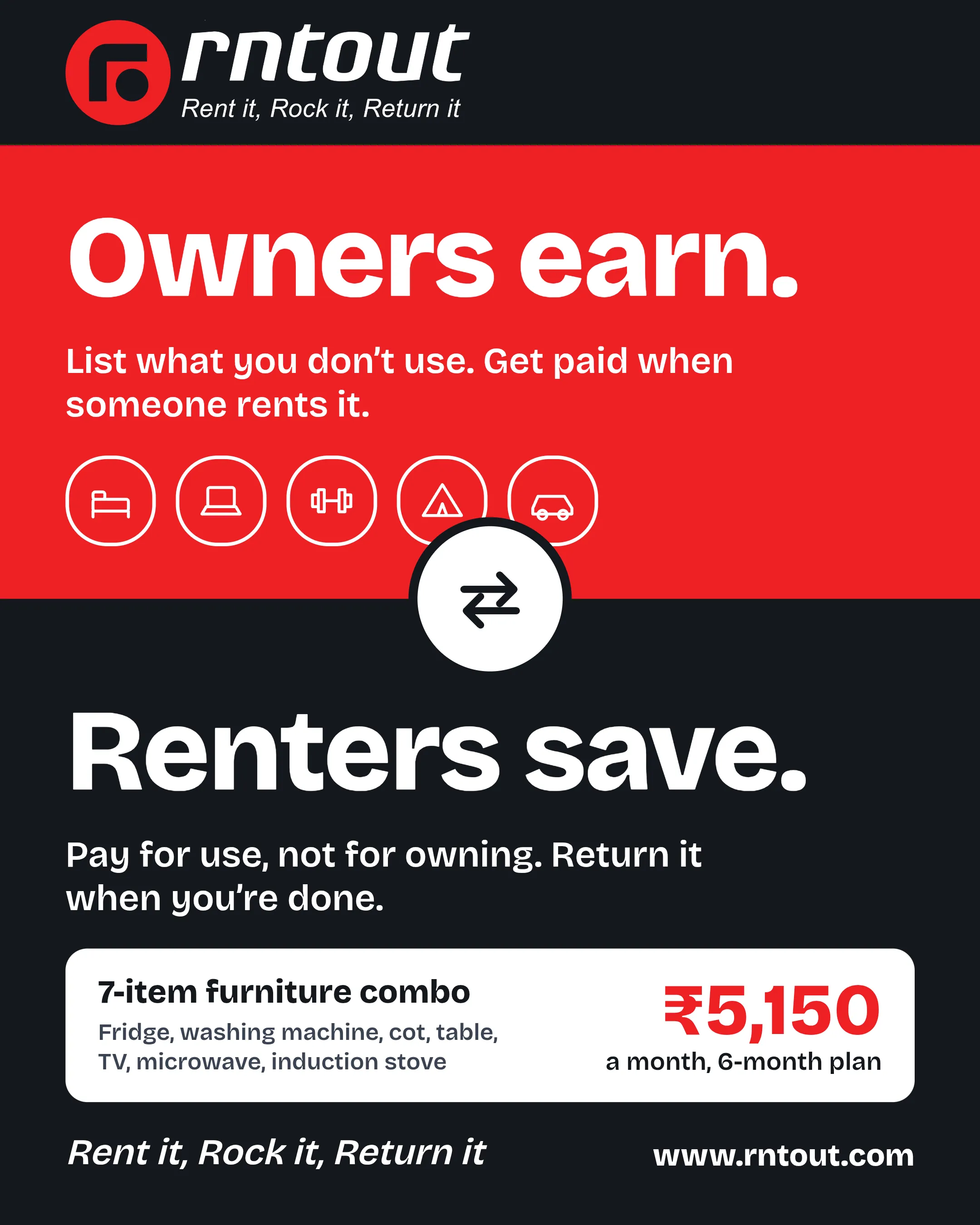
RNTOUT connects owners with idle items to renters who need them for a while. Owners earn, renters save, and every product gets used more.
Never miss out on a deal or an update.


